


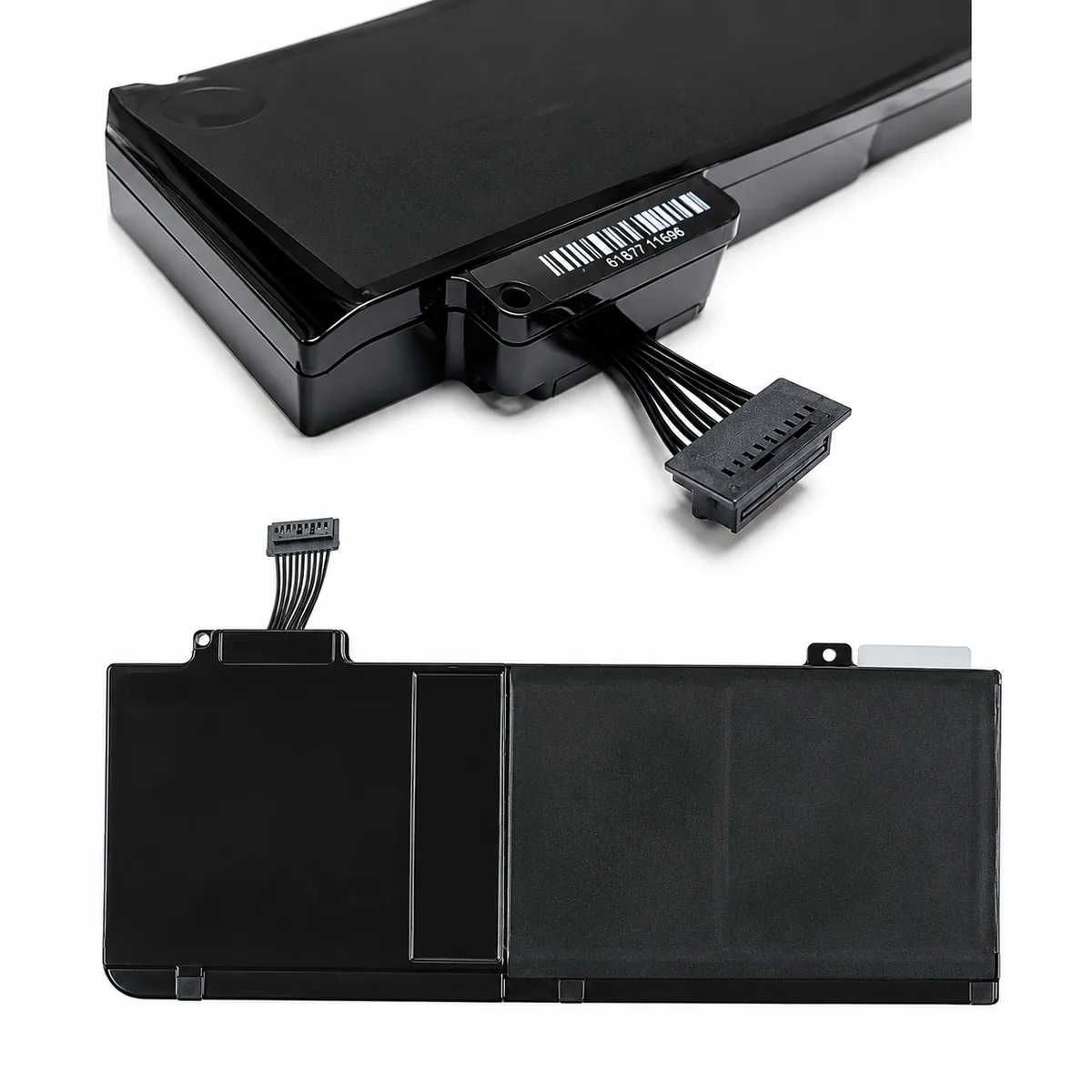
Buy an Online A1322 Battery for Apple MacBook Pro 13 A1278 (Mid 2009 2010 2011 2012) Unibody 6000 Mah
-
Black color MacBook Battery for your home or office MacBook.
-
Secure online payment with quick shipping across India.
-
Courier facilities are available across India.
-
Buy MacBook Battery from India’s leading website.
-
We are sell New and Used laptop spare parts at laptop hub Website.
Product Description
-
Condition- Oem Original
-
Warranty- 6 Month Warranty
-
Warranty Service Type- Replacement Warranty
-
Warranty Type- Seller Warranty
-
Voltage- 63.5Wh
-
Weight- 0.5 kg
-
Dimensions- 35 – 15 – 7 cm
-
Battery Type- Li-Pro

Important Note
-
Please Compare Your Product With The Image Provided Before Placing The Order.
-
No screws are Included.
-
Using Incompatible parts may Damage The MacBook.
-
Payment Will Be Refunded If The Product Is Out Of Stock.
-
Immediate Replacement Will Be Done If Any Functionality Problems. Warranty Will Be Void On Any Physical Damaged On the Part At the Time Of Replacement.
-
Warranty Will Not Be Covered Due To External Causes, Accidental, Physical Damage, Cut, Burnt, Misuse, And Missing Warranty Stickers Or Labels.
-
Make Sure Your Delivery Address Is Complete With a PIN code & Contact Number.
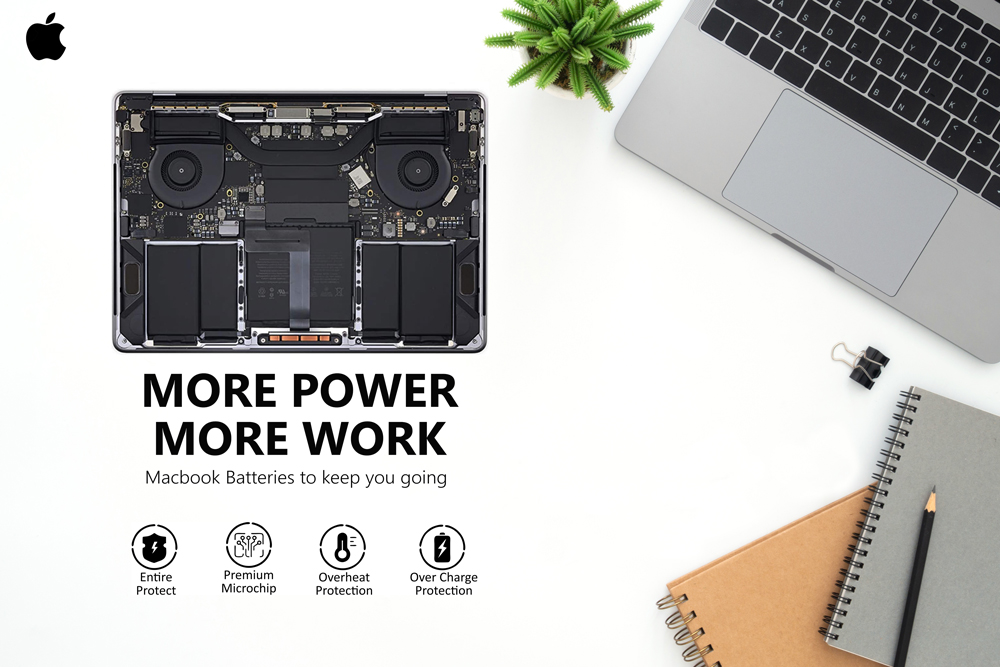
Some Tips to Follow
-
If the battery will not be in use for a long time then it is recommended that you remove it from the device and store it in a cool, dry, and clean place
-
If your battery is not charging then kindly try a different charger to verify because this problem may occur due to a faulty charger also.
-
It is important to fully charge and fully discharge rechargeable MacBook batteries after every 2 weeks, failing to do so may decrease the battery Life.
-
Battery Replacement requires some technical skills to install it and the user can either install it or hire a technician to do it or else call our technical team for help at 9953698526
-
Excessively high or low-temperature environments should be avoided when using the replacement.
-
If the battery is the too-low or too high temperature will affect the battery life.
How to replace the battery
Note: If you are not comfortable replacing the battery yourself, you can take your MacBook to the nearest trained technician.
Step 1 Power down your MacBook and unplug it from the AC adapter.
Step 2 Close the MacBook lid and turn it over.
Step 3 Locate the battery section on the bottom of the MacBook. It is usually secured by latches or screws.
Step 4 Carefully remove the battery section cover.
Step 5 Disconnect the battery connector from the MacBook Motherboard.
Step 6 Remove the vintage battery from the compartment.
Step 7 Insert the new battery into the compartment, making sure the battery connector is aligned with the connector on the motherboard.
Step 8 Reconnect the battery connector to the motherboard.
Step 9 Replace the battery compartment cover and secure it with a handle or screw.
Step 10 Turn your MacBook over and open the lid.
Step 11 Plug in the AC adapter and power on your MacBook
FAQs
1. Is the A1322 battery compatible with MacBook Pro A1278?
Yes. The A1322 is used with compatible 13-inch MacBook Pro A1278 Unibody models from Mid 2009 through Mid 2012.
2. What is the capacity of this A1322 battery?
This version has a 6000mAh capacity.
3. What is the voltage of the A1322 battery?
The A1322 replacement battery is rated at 10.95V.
4. Which MacBook Pro years are compatible with A1322?
Compatible versions include Mid 2009, Mid 2010, Early 2011, Late 2011, and Mid 2012 13-inch A1278 Unibody models.
5. How can I confirm compatibility before ordering?
Check that your MacBook is a 13-inch A1278 Unibody model and compare the original battery’s A1322 marking, connector, voltage, physical shape, and mounting points before ordering.
| Weight | 0.4 kg |
|---|---|
| Dimensions | 12 × 5 × 3 cm |
| Brand | For Apple |
Only logged in customers who have purchased this product may leave a review.



Reviews
There are no reviews yet.